
Available · for hospitals, clinics and diagnostic centres
Patient registration, screening and check-in kiosk
Patients register, answer the department's screening questions, check in for their appointment, record their own vitals and take a queue token at a touch screen, before they reach the desk. Everything is written to your HIS or EMR, so the clinician opens a record that is already complete, and registration keeps going even when the hospital network fails.
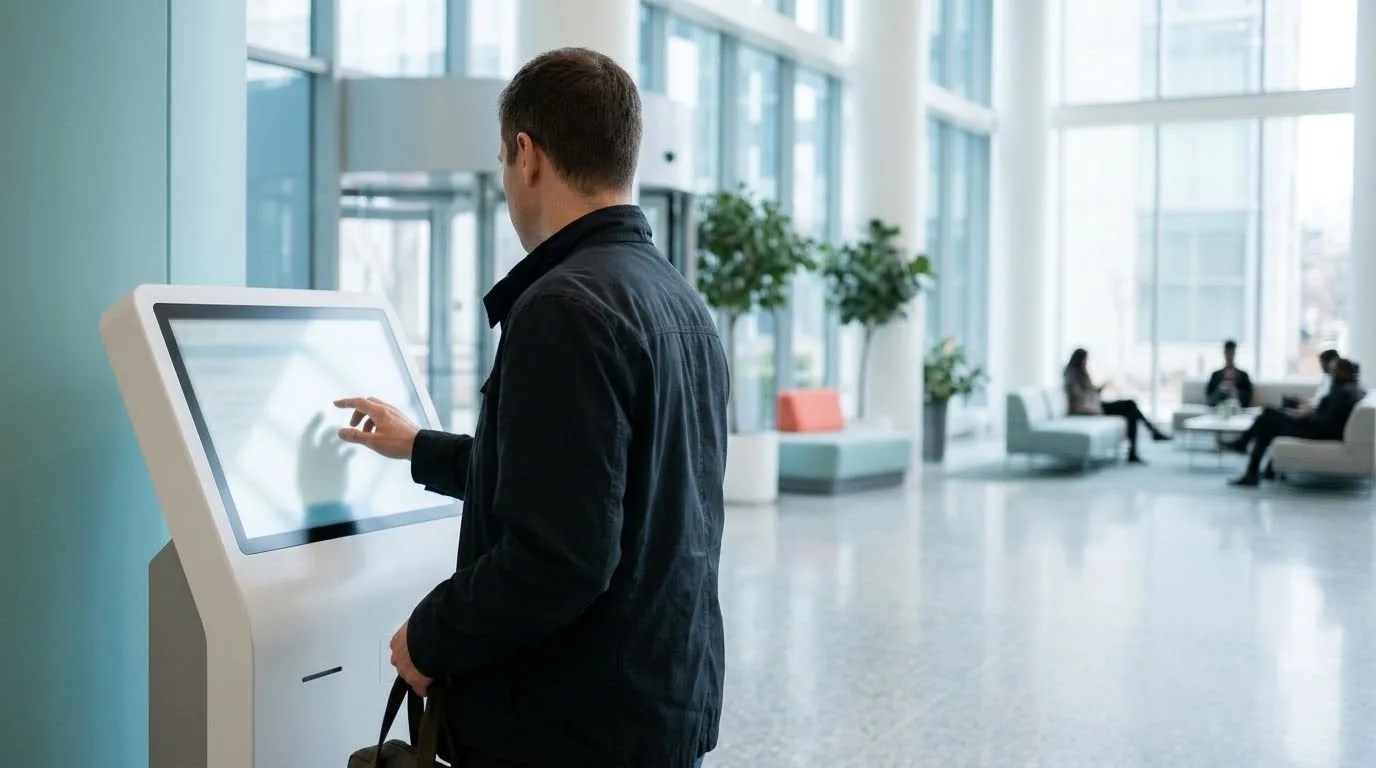
UAE
Patient registration kiosk in the UAE
At UAE hospitals and polyclinics the kiosk reads a passport or a registered mobile number, scans the insurer or TPA card, runs the department's screening questions and prints a token. It connects to your HIS over HL7 FHIR or your vendor's API, and Arabic screens can be added in a customised version.
Registration is where the outpatient day is lost
| Old method | New method |
|---|---|
| The hall fills before the clinics open, and everyone waits for one registration window | Patients register at kiosks in the hall while staff help those who need a person |
| Name, address, age and phone dictated to a clerk who types them in | Details filled from an ID scan or a registered mobile number, and confirmed on screen |
| Returning patients registered again, leaving duplicate records and split histories | Returning patients matched to their existing record |
| The clinician asks the same screening questions the nurse asked | The department's questionnaire runs in the patient's language, once |
| A patient with an infectious symptom sits in the general hall for an hour before anyone knows | Answers above a threshold alert the triage nurse before the token prints |
How it works
Four steps, with the questionnaire and vitals switched on or off per department.
- Identify or registerThe patient scans a national ID QR, passport or driving licence, enters a registered mobile number, or scans an appointment QR. New patients confirm the details pulled from the document.
- ScreenPresenting complaint, symptoms, allergies, current medicines, and travel or exposure questions in an outbreak. Vitals from connected devices if you want them.
- Check in or bookA booked appointment is marked as arrived. A walk-in picks a department or consultant, and can pay the registration or consultation fee at the kiosk where you enable it.
- Token and recordA token prints with the clinic, the consultant and an estimated wait, the waiting-area screen shows the queue, and everything is written to the patient's record.
Around the kiosk
At the kiosk, the vitals station and the front desk
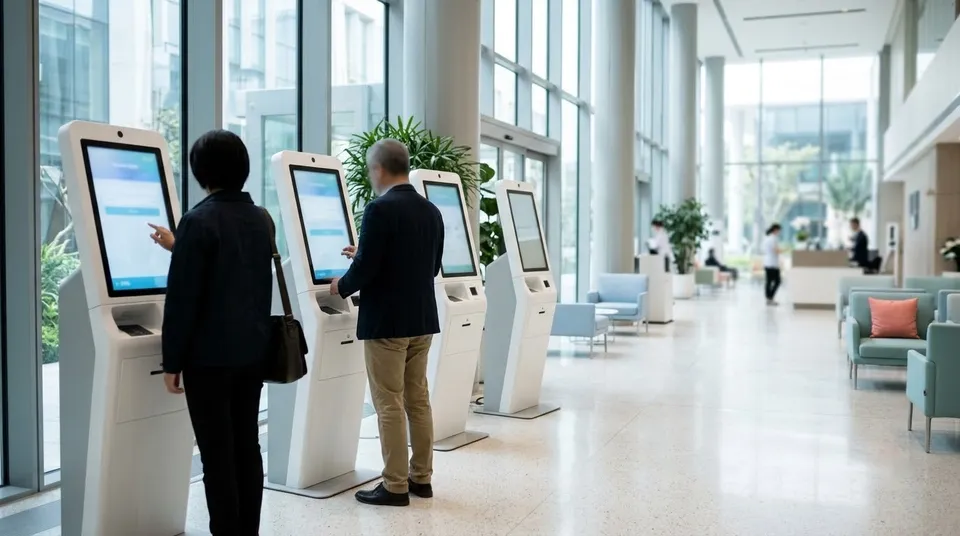
Kiosks in the hall
Large, simple screens designed for an anxious patient with poor eyesight and no time, in the patient's chosen language.
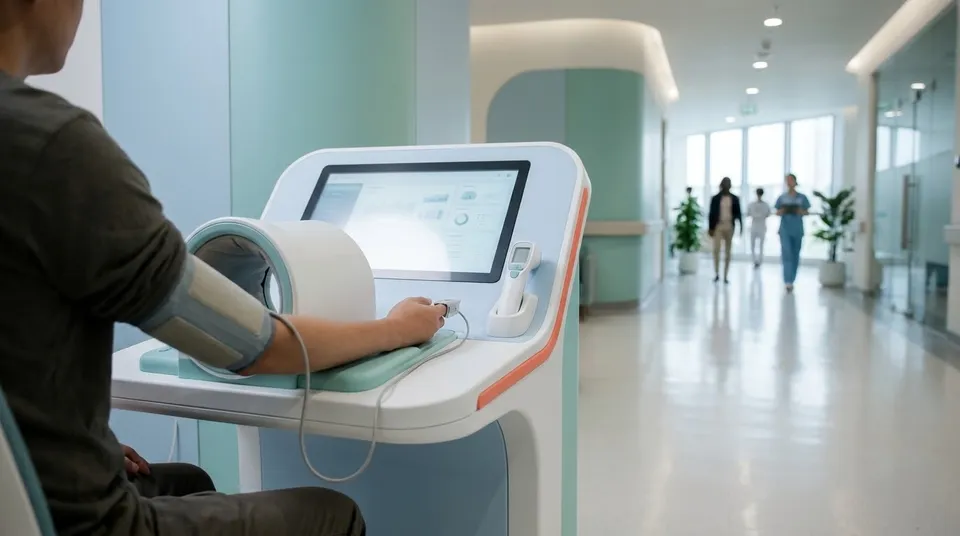
Vitals while they wait
Blood pressure, pulse oximetry, weight and temperature recorded with on-screen guidance and written to the pre-consultation record.
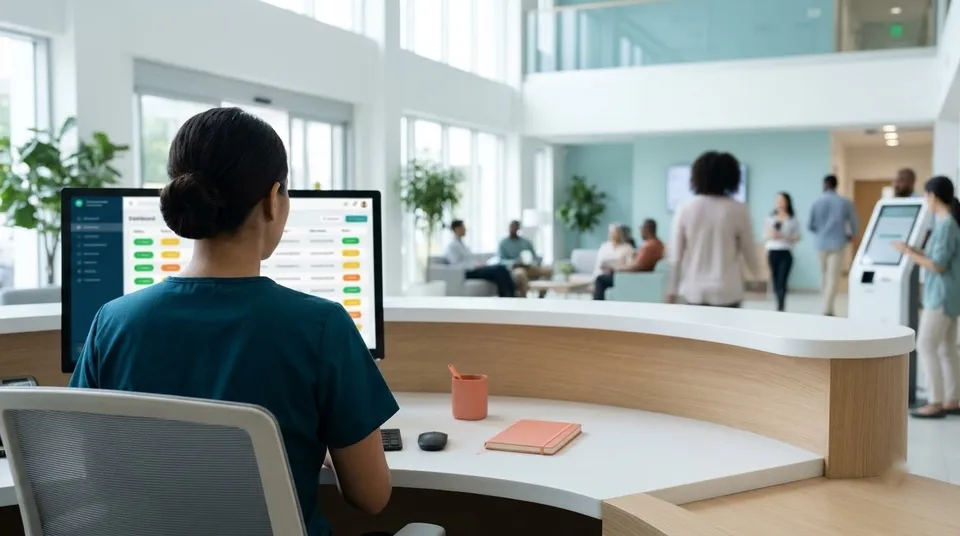
A front desk for exceptions
Staff see who has registered and been screened, and spend their time on the patients who need a person.
Core features
Each capability is switched on per hospital and per department, and the questionnaire content is owned by your clinical team.
- ID-based registrationNational ID QR codes, passport MRZ and driving-licence barcodes read on the kiosk to fill the patient's details, confirmed on screen.
- Insurance and scheme cardsInsurer, TPA and government scheme cards scanned and attached to the visit, with the policy number for the billing desk.
- Symptom triage questionnaireMultilingual and department-specific, with follow-up questions only when they apply and alerts on threshold answers.
- Appointments and walk-insBooked slots confirmed from your scheduling system; walk-ins choose a department or consultant with the next free time shown.
- Queue token and wait displayTokens per clinic, and waiting-area screens showing the queue by consultant with an estimated wait.
- Vital-signs devicesBP monitors, pulse oximeters, scales and thermometers over USB, serial or Bluetooth.
- HIS and EMR integrationLookup, registration, arrival, screening and vitals exchanged over HL7 FHIR or your vendor's API.
- Payments at the kioskRegistration or consultation fees by card on a terminal or by QR payment, where you enable it. No card data is held.
- Consent, audit and retentionConsent screens per data use, an audit trail of every record created or read, encryption at rest, and retention set to your policy.
Hardware and integrations
Built for the kiosk you choose
A native Windows application for the kiosk hardware your hospital picks, integrated with the printer, ID reader, camera and clinical devices around it, and with your HIS. The enclosure and medical devices come from their manufacturers; we can advise on hardware we have already integrated.
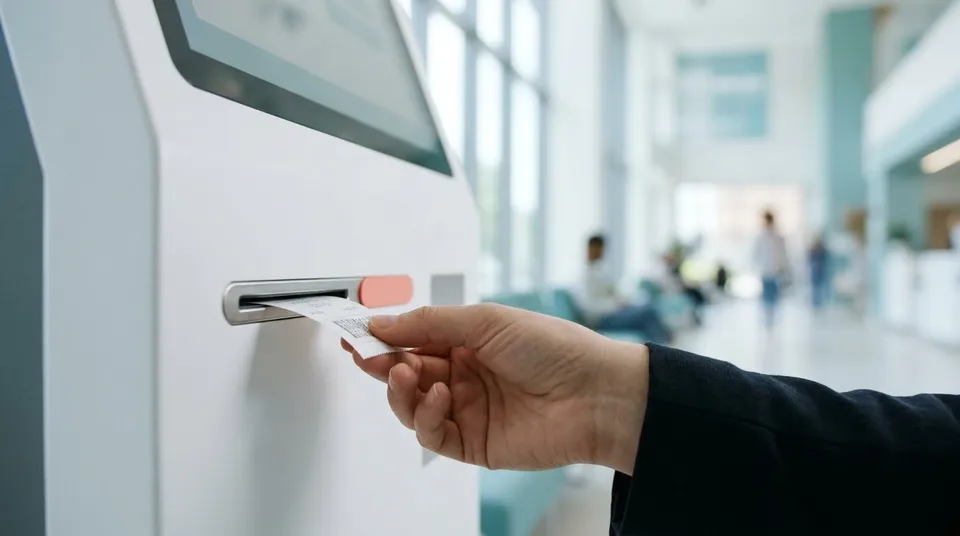
- Thermal token printers (Zebra, Star and similar) over USB or serial.
- ID and card readers and a camera for the patient's photo where policy asks for one.
- Vital-signs devices over USB, serial or Bluetooth.
- Card terminals and QR payments through the terminal's SDK and your payment gateway.
- Waiting-area screens driven over the hospital network.
- HIS, EMR and scheduling over HL7 FHIR or the vendor's REST API, with an encrypted queue of unsent records during outages.
Where it is used
Multi-speciality hospitals
High outpatient volumes across many departments, each with its own screening and consultant queues; kiosks in the main hall handle registration and department tokens.
Clinics and polyclinics
One kiosk that registers, screens and takes the consultation fee, so the receptionist can stay with the patients who need a person.
Diagnostic centres and labs
Scan the booking, confirm identity for the report, take payment and issue the sample-collection token at one unit.
Corporate and occupational health
Employees identify with their own credential and answer the occupational-health questionnaire for periodic checks.
Screening camps and public facilities
Very high throughput, many languages and limited staff: questionnaire-first with vitals at the kiosk, and offline operation where it matters most.
Care that continues at home
For older patients and long-term conditions, pair it with our remote patient monitoring to stay in touch after discharge.
Running it day to day
- Works offline: registration, screening, tokens and the waiting display continue during a network failure from an encrypted local database, and reconcile to the HIS in order when it returns, with possible duplicates flagged rather than merged silently.
- Deployment: a locked-down Windows package inside the hospital network. Questionnaires are entered by your clinical team, and thresholds are tuned in one department before the hall is converted.
- Remote management: every kiosk's health and paper level on one screen, alerts when a unit or its HIS link goes down, and questionnaire and language updates pushed to every site.
- Support: an annual maintenance contract covers HIS updates, new questionnaires, device changes and Windows patches.
Customisable
Set up for your hospital
Your registration form, departments, questionnaires, languages, branding, devices and payment methods, mapped with your OPD and IT teams.
How to start
Tell us your outpatient volumes, the HIS or EMR you run, the departments that need screening and whether you want vitals or payment at the kiosk. We map the intake journey, confirm the integration and quote the project. We do not publish prices, because hospital integrations vary too much for a list to mean anything.
Frequently asked questions
Does the kiosk work if the hospital network goes down?
Yes. Registration, screening, token issue and the waiting display continue from the kiosk's encrypted local database. Records created offline are reconciled to the HIS in order when the connection returns, with possible duplicates flagged for the records team.
Which hospital information systems can it connect to?
Any HIS or EMR that offers HL7 FHIR or a vendor API for patient lookup, registration, arrival, screening and vitals. The connector is configured and tested against your vendor's environment as part of the project.
How do patients identify themselves?
By scanning a national ID QR code, a passport or a driving licence, by a registered mobile number, or by the QR code from an appointment confirmation. Returning patients are matched to their existing record.
Can the kiosk record vital signs?
Yes. Blood pressure monitors, pulse oximeters, weighing scales and thermometers connect over USB, serial or Bluetooth, and readings are captured with on-screen guidance.
Who writes the screening questionnaire?
Your clinical team, per department and per language. Branching and alert thresholds are part of that set-up, so the questionnaire can change without a software release.
What happens when an answer suggests an urgent or infectious condition?
A response above the configured threshold alerts triage or nursing staff immediately, before the token prints, and the kiosk can direct the patient to a separate area following your protocol.
Can patients pay at the kiosk?
Yes, where you enable it: by card on a payment terminal or by QR payment. The kiosk keeps only the transaction reference; card data stays on the terminal.
Do you supply the kiosk and the medical devices?
No. We write the software and integrate the printer, readers, camera and vital-signs devices fitted to the kiosk you choose. We can advise on hardware we have already integrated.
Is it available in other languages?
Yes. Screens and questionnaires are held in language packs and the patient picks a language on the first screen; the token and the record stay in the hospital's working language.
How is patient data protected?
Data is encrypted on the device, every record created or read is audited, consent is captured per data use, and retention follows your policy. The kiosk sits inside the hospital network and holds only what has not yet been written to the HIS.
Move registration off the desk
A short demo on WhatsApp video or a call, at a time that suits you.