Available · phone, tablet, browser and any TV
Clinic queue management system
Queue management software and a token system for clinics and hospital OPDs. Patients take a token from a QR poster on their own phone, or at a tablet by the door, and wait wherever they like: their phone shows their place and chimes when they are next. Staff call the next token with one tap, a screen on the wall shows who is being seen, and at the end of the day you can see how long people waited.
Opens in a new tab and runs in your browser with sample data. Nothing to install or sign up for.

Canada
VedaArogya in Canada
Set up for doctors and clinics in Canada: provincial college licence (CPSO and others) on every letterhead, US Letter prescriptions and bills, +1 phone numbers, and your own branding and workflow. Send us an enquiry for a demo and a quote.
A queue you cannot see is a queue you cannot manage
| Old method | New method |
|---|---|
| The receptionist keeps the order in her head between phone calls | Patients join in seconds from a QR poster or the tablet at the door |
| One line that is really three: two-minute visits, twenty-minute visits and people in the wrong line | A token per service: consultation, blood test, pharmacy |
| Step outside for air and lose your place | Wait in the car or the café; the phone chimes when you are next |
| "How much longer?" answered with a guess | The phone shows how many are ahead and an estimated wait |
| Priority for an elderly patient becomes an argument; no record of waits to plan staffing | Priority flags for elderly or urgent patients, and reports on waits and busy hours |
From the door to the doctor in four steps
- JoinScan the QR poster, tap the tablet at the door, or be added by reception. Choose a service, enter a name and phone number, and get a token like A-018. Patients without a phone can have it printed.
- Wait anywhereThe phone page shows the token, the number now being seen, how many are ahead and an estimated wait. It chimes and vibrates when you are next and turns green when you are called.
- Call nextStaff press Call next, Recall, No show, Done or Transfer on a tablet or in a browser. Priority flags move elderly or urgent patients up.
- Now servingAny TV shows "Now serving A-018, room 2" with the next tokens, a chime and an optional spoken announcement.
One live queue
The patient's phone, the staff screen and the board
Every screen updates live from the same queue, so a token called in room 2 appears on the board and the patient's phone at the same moment.
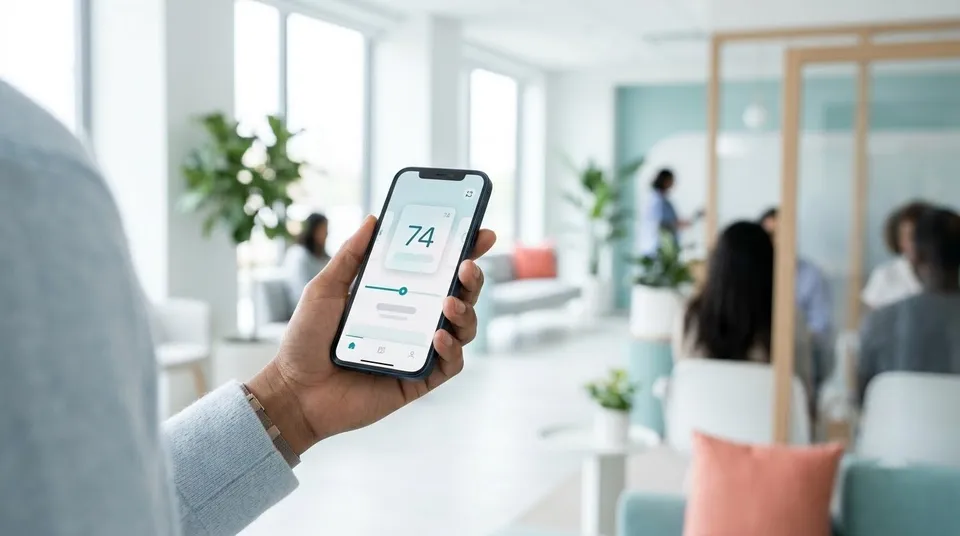
The patient's own phone
A QR poster opens the join page in the phone's browser, on iPhone or Android, with no app and no account. The status page can stay in the background with a browser notification.
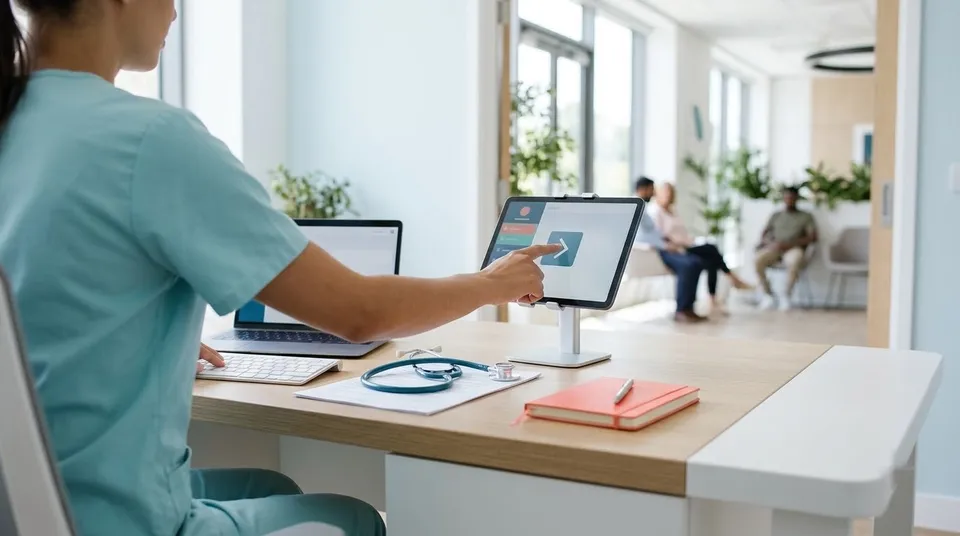
The staff screen
Each room or counter sees its queue with waiting counts and the oldest wait: call next, recall, no show, done, transfer, add a walk-in and pause.
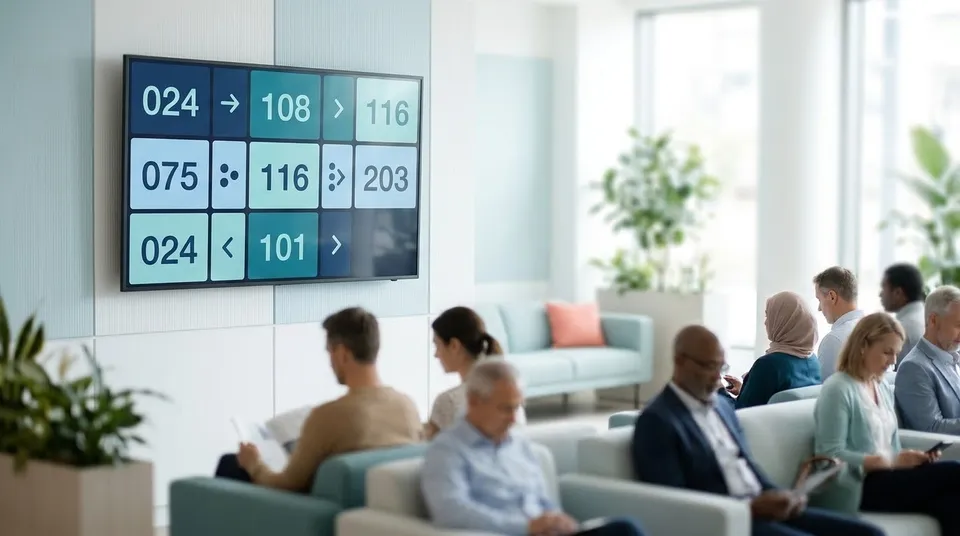
The now-serving board
Any Android TV, TV box, smart TV with a browser or PC behind a monitor. It rotates for sideways screens and keeps showing the last state if the network drops.
What is included
- QR join, no appA printable poster per clinic or per service; the patient's own phone browser does the rest.
- Token kiosk at the doorA large-text, one-screen join flow on an Android tablet, iPad or any touch screen, with a path for patients who have no phone.
- Services, rooms and countersOne counter can serve several services. Tokens carry a prefix per service and restart at your own midnight.
- Priority and transferPriority flags, and transfer from consultation to billing or pharmacy so one visit stays one record.
- Printed tickets80 mm slips from the kiosk and the staff screen on your thermal printer.
- Opening hoursThe queue opens and closes with your hours and shows a message outside them.
- Token lookupFind today's token again on your page, without ever showing anyone's name.
- ReportsTokens per day, hour, service and counter, average and longest wait, service time, no-shows and busiest hours, with CSV export.
- Several clinicsEach with its own services, staff, hours and branding, from one login.
- Device managementTablets and TV boxes pair with a code and report every minute; switch a device from kiosk to board or restart it from the portal.
Privacy by design
Built to hold as little as possible
A queue at a clinic reveals that someone was at a clinic, so the product is designed around the minimum.
- Only three fields: a name, a phone number and a reason category from a list you define. Never symptoms, dates of birth or ID numbers.
- A privacy notice is shown before the join form.
- Short retention: personal fields are deleted automatically a set number of hours after the visit; only counts and times stay for the reports.
- Board and lookup show tokens, not names.
- Export or erase a patient's data on request.
Where it is used
Walk-in and dental clinics
Consultation, follow-up and billing lanes, with elderly patients prioritised and the board calling tokens, not names.
Pharmacies and labs
Drop off a prescription or a sample, wait in the car, and come back when the phone says so.
Hospital outpatient counters
Registration, billing, investigation and pharmacy counters in one queue, and pair it with our registration kiosk at the door.
Customisable
Shaped to your organisation
SMS or WhatsApp token alerts, appointment check-in alongside walk-ins, a link to your practice-management or hospital system so the counter opens the patient's record, multi-branch dashboards, local-language screens, feedback after the visit, or a board in your own design.
How to start
Tell us about your clinic: how many rooms and counters, which services, and the screens you already have. We set up a sample clinic for you to try, then shape it to the way you work. We do not publish prices; ask us for a quote.
Frequently asked questions
Can it run the token system in a hospital OPD?
Yes. Each OPD room, service or counter (registration, consultation, billing, pharmacy) gets its own token prefix, a TV shows who is being seen, and patients can be transferred from one counter to the next in the same visit.
How does clinic queue management work?
Patients take a token from a QR poster on their phone or at a tablet by the door, wait wherever they like while their phone shows their place, and are called when staff press Call next. A TV in the waiting room shows who is being seen.
Do patients need to install an app?
No. The QR poster opens a page in the phone's browser on iPhone or Android, with no app and no account. Patients without a phone take a token at the kiosk and can have it printed.
What do we need to run it?
A phone or tablet for staff, a TV or monitor for the board, and optionally a tablet at the door as a token kiosk with a thermal printer. A PC at the door can simply open the kiosk page in its browser.
Can we give priority to elderly or urgent patients?
Yes. Priority flags move them up the lane, and a patient can be transferred from consultation to billing or pharmacy without a new token.
What if the internet drops?
The staff screen keeps the last queue state and holds staff actions for a few minutes until it syncs, and the board keeps showing the last state.
What patient data does it keep?
Only a name, a phone number and a reason category from a list you define. Personal fields are deleted automatically a set number of hours after the visit; only counts and times stay for the reports.
What reports do we get?
Tokens per day, hour, service and counter, average and longest wait, service time, no-show rate and busiest hours, with CSV export for Excel.
Can it send SMS or WhatsApp alerts?
Yes, as a customised version, along with appointment check-in, links to your practice or hospital system and multi-branch dashboards.
See your waiting room without the crowd
A short demo on WhatsApp video or a call, at a time that suits you.