
Available · for clinics, pharmacies and labs
Clinic and pharmacy billing software
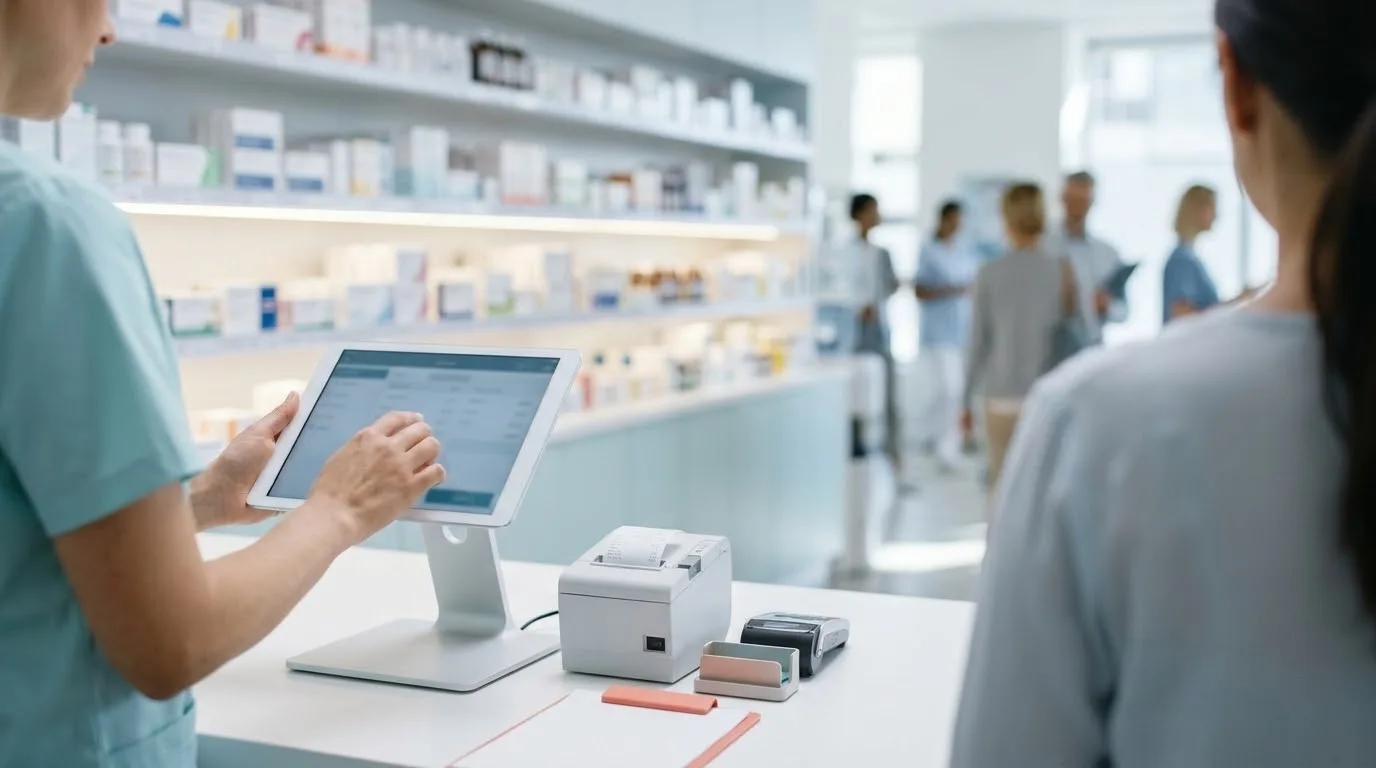
Two ways to bill. Doctors make the bill for a visit straight from the prescription app, on their own letterhead. Pharmacies and busy front desks run a counter till that scans barcodes, prints receipts and keeps selling when the internet drops, with stock, suppliers, expenses and reports behind it.
Netherlands
Clinic billing software in the Netherlands
Billing for private clinics and pharmacies in euro, with VAT where it applies, receipts, an offline counter till, stock and reports. It does not submit claims to health insurers.
Pick what you need
From one doctor's bill to a whole pharmacy counter
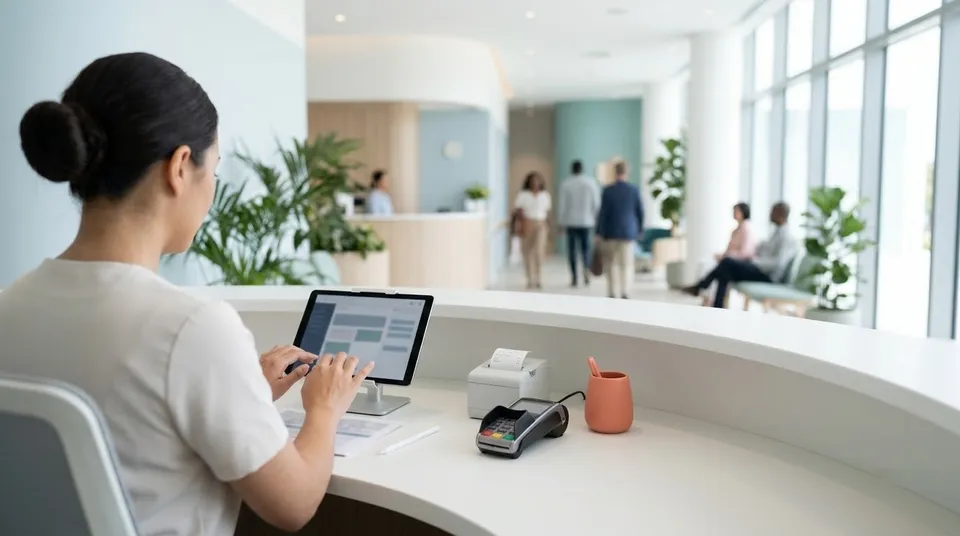
Bills for the visit
In the prescription app: consultation and treatment items on your letterhead, the total in figures and in words, its own bill number, and sent on WhatsApp like a prescription.
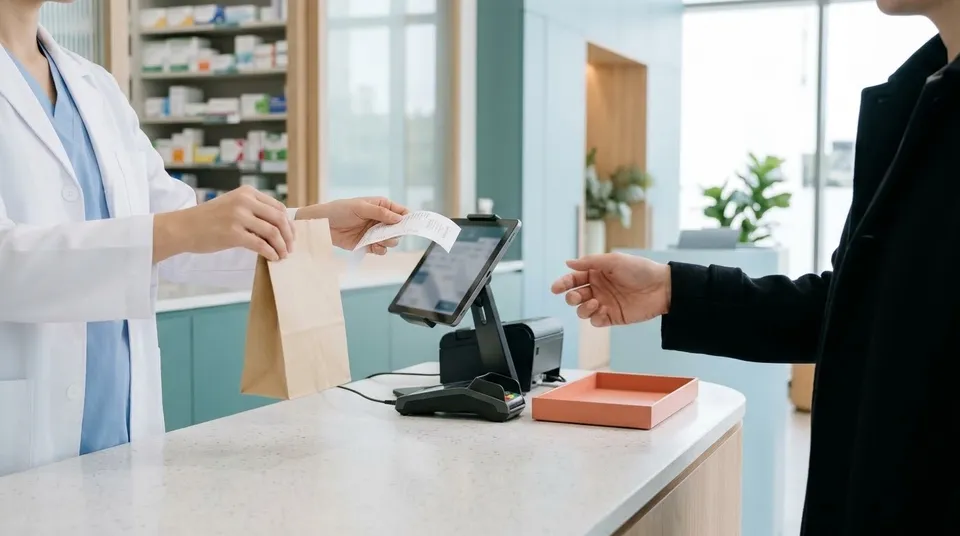
The counter till
Scan or search, take cash with the change worked out, print the receipt, and move to the next customer. It keeps working offline and sends the sales in order when you are back online.
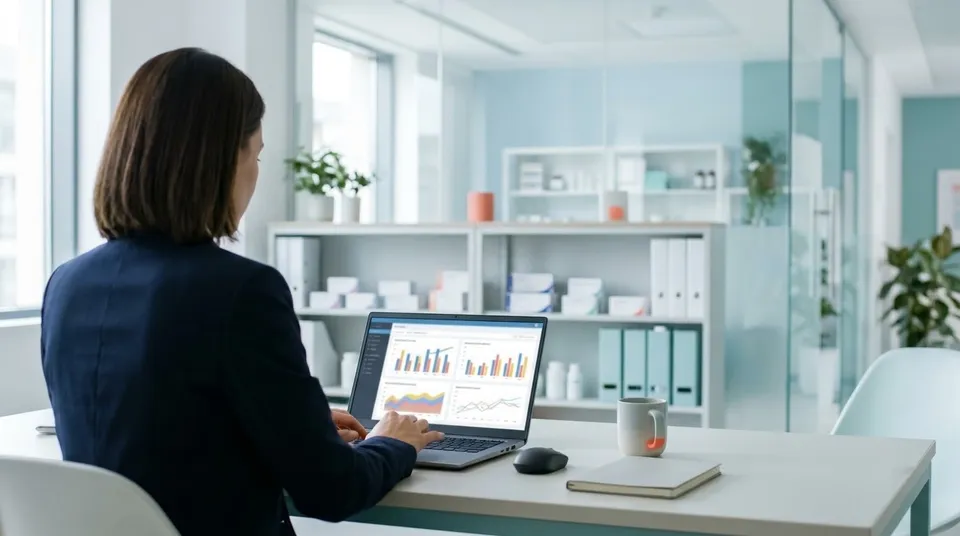
Stock and reports
Stock counts, supplier bills and expenses in one place, and reports on takings, what is owed, profit and stock value.
Why billing by hand costs more than it looks
| Old method | New method |
|---|---|
| Handwritten receipts the patient cannot read and you cannot find later | A printed or WhatsApp bill with the amount in words and its own number |
| Totals, discounts and change worked out by hand at the busiest hour | Totals, discounts and change done for you |
| A bill book, a stock register and a supplier file that never agree | Sales, purchases and stock in one place |
| Stock that runs out without warning, or expires on the shelf | Stock counted as you sell and buy |
| No clear view of the day's takings or what is still owed | Daily takings, outstanding amounts and stock value at a glance |
How it works
- Start with OPD billsDoctors bill visits from the prescription app straight away, on the clinic's letterhead.
- Set up your counterWe set your items, prices, taxes, bill format and numbering, and connect your receipt printer and barcode scanner.
- Sell and stock upThe till sells, the stock moves with every sale and purchase, and supplier bills and expenses are recorded as they arrive.
- See the numbersReports on takings, outstanding amounts, profit and stock value, whenever you want them.
What is included
- OPD bills on your letterheadConsultation and treatment items, the amount in words, a bill number series counted per year, and treated teeth for dental clinics.
- Counter till that works offlineIts own number series per till, so sales made offline never clash, sent in order when the connection returns.
- Barcode scanningUSB or Bluetooth scanners, or the device's camera.
- Receipts and cash drawerBluetooth, USB or network receipt printers, 58 or 80 mm, with a QR code on the receipt and the cash drawer opened from the till.
- Customers and discountsPick the customer and give a percentage discount at the till.
- StockMedicines and consumables counted as you sell and buy, with stock counts when you check the shelves.
- Suppliers and purchasesSupplier bills recorded against each supplier, so you know what you owe.
- Expenses with receipt photosSnap the receipt with the phone and file the expense in seconds.
- ReportsDaily takings, ageing of what is owed, profit and loss, tax summary and stock value.
- Several tillsName each till, switch one off, and see their sales together.
- Your taxes and formatTax rates, bill layout and numbering set up for your country and the way you work.
- Phone, tablet and browserBill at the counter on a tablet, and see the reports in a browser.
Who it is for
Clinics, pharmacies and labs
Start with the part you need today and add the rest when you are ready.
- Clinics and dental practices that bill consultations and treatments, from the prescription app or a front-desk tablet.
- Pharmacies that need a fast counter with barcode scanning, receipts, stock and supplier bills.
- Diagnostic centres and labs that bill tests at reception and want the day's takings without a spreadsheet.
- Clinics with an in-house pharmacy that want one set of numbers for both.
Your data
- OPD bills from the prescription app stay on the doctor's phone with the patient's prescriptions.
- Counter, stock and reports are kept in your own account, separate from every other business.
- Offline sales are held on the device and sent in order when the connection returns, so nothing is lost when the internet drops.
Customisable
Set up for your counter
Your bill format, taxes, numbering, items and prices, your printer and scanner, your branding, and links to the systems you already use.
How to start
Tell us whether you bill consultations, run a pharmacy counter or both, how many counters you have and what hardware is already in place. We set it up and price it with you; we do not publish prices.
Frequently asked questions
Can doctors bill from the prescription app?
Yes. The bill for a visit is made on the doctor's letterhead with the amount in words and its own number series, and shared on WhatsApp or printed like a prescription.
Does the counter till work without internet?
Yes. Each till has its own number series, so sales made offline never clash. They are kept on the device and sent in order when the connection returns.
Which printers and scanners work with it?
Receipt printers over Bluetooth, USB or the network, 58 or 80 mm, including a cash drawer opened from the till. Barcode scanners over USB or Bluetooth, or the device's camera.
Does it manage stock?
Yes. Stock moves with every sale and purchase, and you can record stock counts when you check the shelves. Reports show the stock value.
Can we record suppliers and expenses?
Yes. Supplier bills are recorded against each supplier so you know what you owe, and expenses can be filed with a photo of the receipt.
What reports are there?
Daily takings, ageing of what is owed, profit and loss, a tax summary and stock value.
Can it handle our taxes and bill format?
Yes. Tax rates, bill layout and numbering are set up for your country and the way you work.
How much does it cost?
We do not publish prices. Tell us whether you bill consultations, run a pharmacy counter or both and how many counters you have, and we quote for your set-up.
Bill faster at your counter
A short demo on WhatsApp video or a call, at a time that suits you.