
Available · for families, carers, clinics and home-care providers
Remote patient and elder-care monitoring, with the carer in the loop
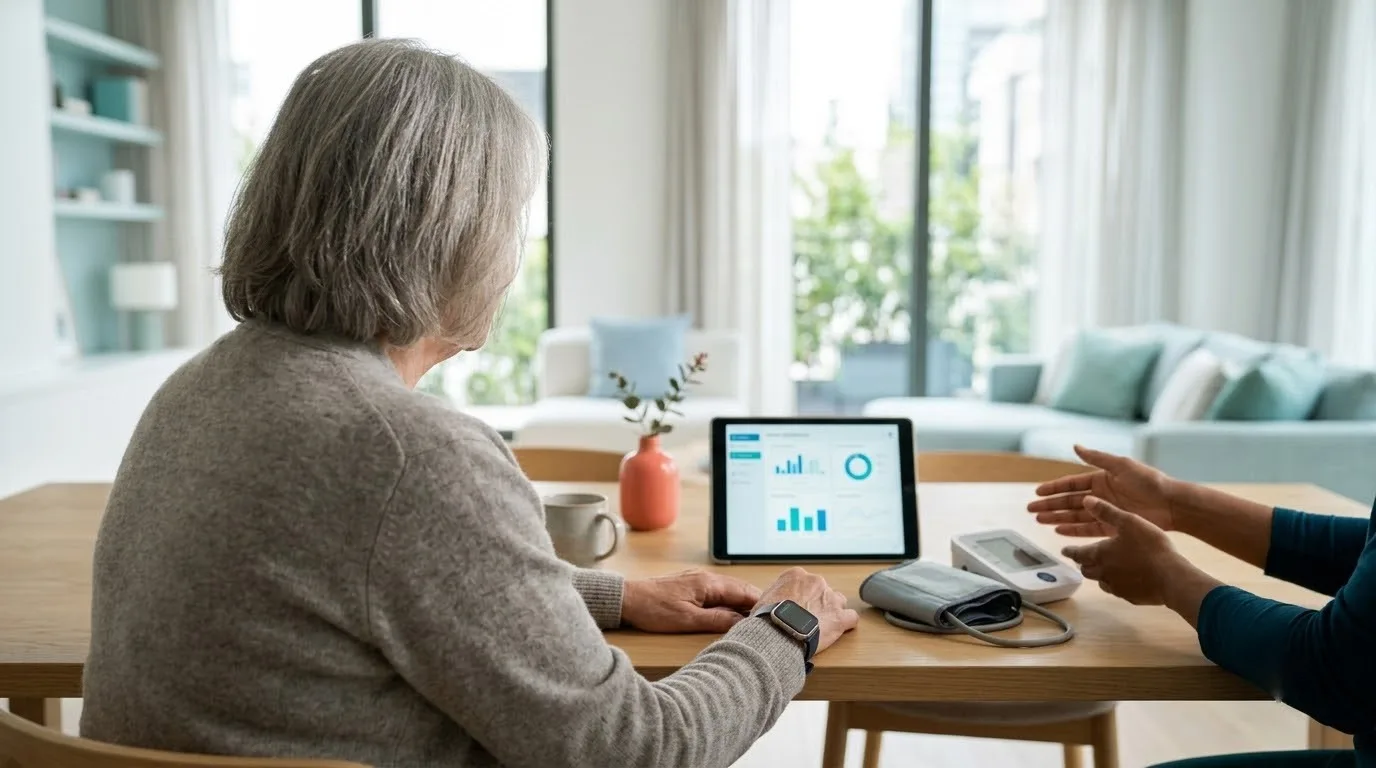
For a parent living alone or a patient recovering at home. A simple tablet in the home reminds them to take their medicines, records their readings and gives them one button to call for help. The carer gets the alert on their phone and can start a video call at once, and the care team follows every household in one portal.
Opens in a new tab and runs in your browser with sample data. Nothing to install or sign up for.
Saudi Arabia
VedaArogya in Saudi Arabia
Set up for doctors and clinics in Saudi Arabia: SCFHS registration on every letterhead, A4 prescriptions and bills, +966 phone numbers, and your own branding and workflow. Send us an enquiry for a demo and a quote.
Who is involved
Three people, three simple screens
Each person uses the device that suits them, and all of them read and write the same household record.
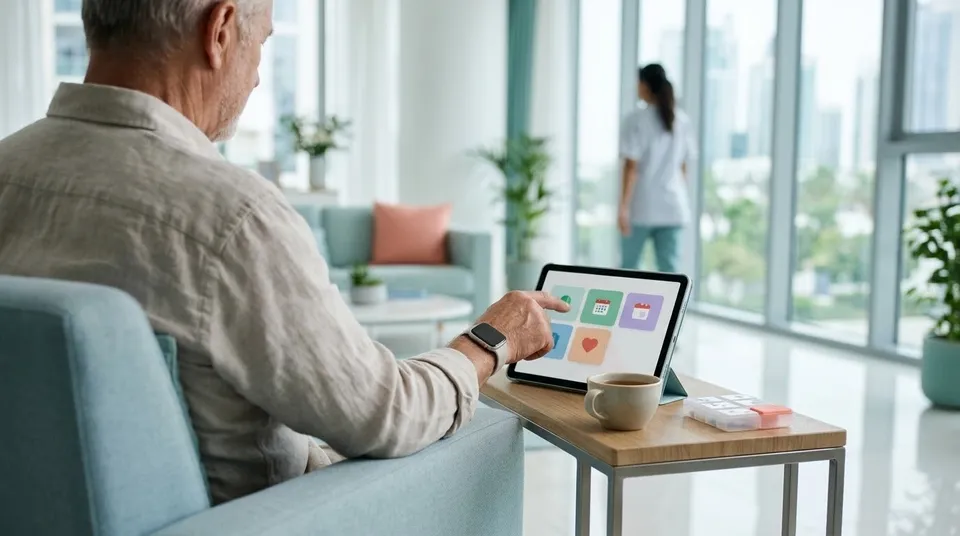
The person at home
A home tablet with big tiles and clear words: today's medicines, a place to type readings, the emergency button and a video call to the carer. An optional watch on the wrist, and their own phone if they have one.
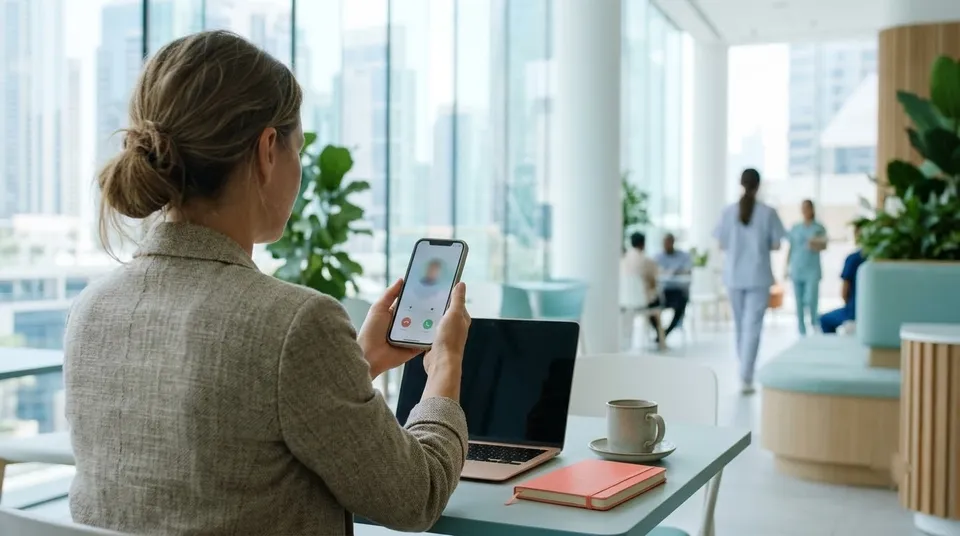
The carer or family
A carer app on their phone shows the whole household. Emergency alerts ring on an alarm channel, "I'm on it" tells the others someone is handling it, and a video call can be answered straight from the lock screen.
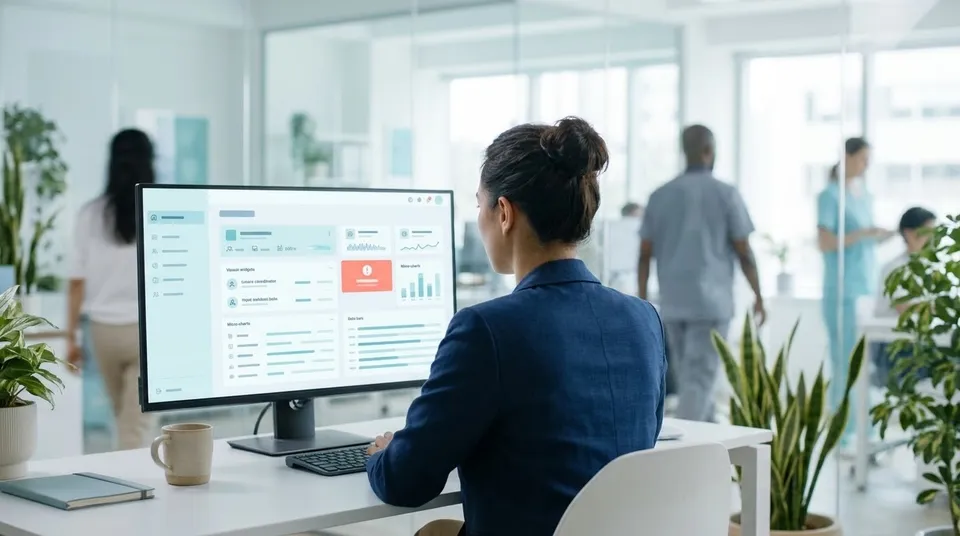
The care team
A web portal for the family, the clinic or the home-care provider: households, medicines and whether doses were taken, readings over time, diet plans and every alert, acknowledged and resolved in one place.
Why caring from a distance is hard, and what changes
| Old method | New method |
|---|---|
| Nobody knows whether this morning's dose was taken | Each dose rings at its time and is answered Taken or Skip, so the family can see it |
| Blood pressure goes into a notebook, if it is written down at all | Every reading is stored with the time it was taken, with 30-day trends |
| Family members phone several times a day and still worry in between | The carer sees the household on their phone whenever they look |
| In an emergency the person has to find a phone, remember a number and explain where they are | One press on the tablet or the watch alerts the carer, with a video call offered on screen |
| The clinic sees a summary only at the next appointment, weeks later | The care team sees the same picture every day, not just at the next visit |
How it works
- Set up the householdThe care team adds the person, their medicines, diet plan and hospitals in the portal, and signs the tablet in with a user ID or a QR code.
- Remind and record at homeThe tablet rings for each dose and shows today's plan. Readings are typed in on large screens, or come in from the person's watch or fitness tracker.
- Alert when it mattersAn emergency press on the tablet or the watch reaches the carer's phone. Readings outside the expected range are flagged for the care team.
- Follow up togetherThe carer acknowledges the alert and joins a video call. The portal keeps the history of readings, doses and alerts.
What the home tablet does
Designed for someone who does not want to learn an app: big tiles, clear words and the same bottom bar on every screen.
- Medicine remindersEach dose rings at its time, even with the app in the background, and is answered Taken or Skip. Missed doses show on the tablet and in the portal.
- Emergency buttonA short countdown cancels a mistaken press. The alert is retried until it is delivered, and the screen confirms only when the carer has really been told.
- Readings and trendsBlood pressure, heart rate, oxygen saturation, temperature, blood sugar and weight, checked against plausible ranges, with the latest value, average and 30-day trend.
- Video call with the carerOne tap calls the carer, who joins from their phone or a browser link. If an alert cannot be sent, the call is offered instead.
- Diet, hospitals and videosThe diet plan from the care team, the person's hospitals and emergency numbers, and videos chosen for them, one tap from the home screen.
- Assistant for everyday questionsChat or press-to-talk answers from material the care team provides. It never diagnoses or changes medicines, and puts the emergency number first when a question sounds urgent.
- NotificationsMessages from the care team, changes to medicines or the diet plan, and doses that are due or missed.
- LanguagesEnglish, Hindi, Tamil, Telugu, French, Spanish and Italian, chosen per organisation and picked by the person.
- Family profilesSeveral people in one household, each with their own readings and medicines.
For the carer
The carer's phone
A carer signs in on their own phone and sees the household rather than one person, so a daughter in another city, a neighbour or an agency carer all know what is happening.
- Emergency alerts on an alarm channel, so they are not missed in a busy day.
- "I'm on it" lets the other carers know the alert is being handled.
- Video calls from the person can be answered over the lock screen.
- Latest readings and recent alerts for each person in the household.
- Read-only by design: the carer sees the household's information but never records anything on the person's behalf.
Watches, trackers and health devices
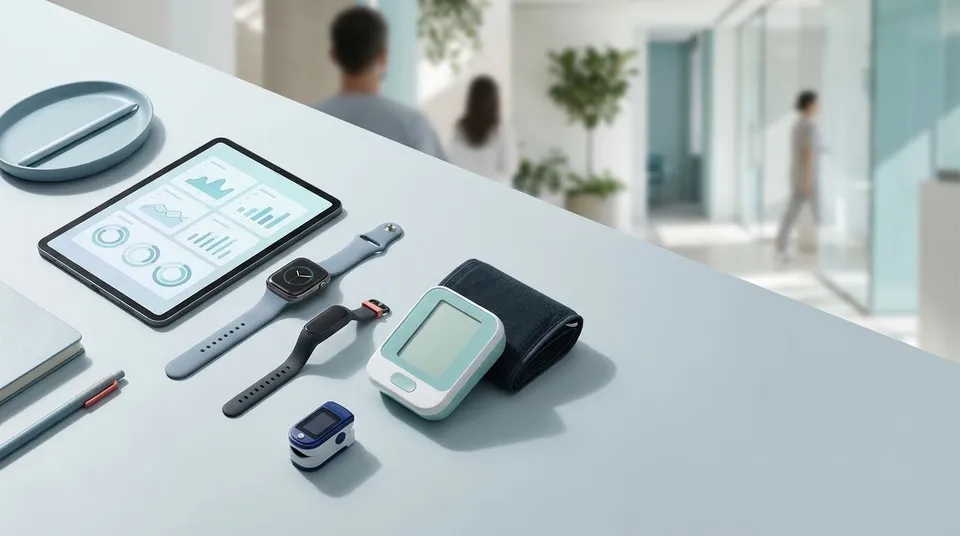
- Wear OS watchA companion watch with an emergency tile, a vibration for each dose with Taken and Skip, and a short summary of today.
- The person's own phoneSigns in with a mobile number or user ID and shows that person's own readings and medicines.
- FitbitTrackers and watches, including Fitbit Air: heart rate, sleep, weight and steps through Health Connect on the person's Android phone, labelled with where they came from.
- Apple WatchHeart rate, SpO₂, ECG, sleep and steps, read through Apple Health on the person's iPhone.
- Bluetooth health devicesBP monitors, pulse oximeters, glucometers, scales and thermometers, connected as part of your set-up.
- Your own deviceA monitor your programme already uses or custom hardware, integrated for you.
For the care team
The care-team portal
For the family, the clinic or the home-care provider that looks after the household. Your organisation's logo and colours are shown after sign-in.
- Households and people, each with medicines and their dose history.
- Health records: every reading over time, and an ECG viewer for stored ECG traces.
- Emergencies appear live and are acknowledged and resolved in the portal.
- Diet plans, hospitals and videos for each household.
- The assistant's knowledge base, written by your team, so answers stay within your guidance.
What the software does, and who decides
It helps the people around a patient notice things sooner and respond faster. It does not diagnose and does not decide on treatment.
| Area | What the software does | Who decides |
|---|---|---|
| Medicines | Reminds, and records Taken or Skip | The prescriber sets the medicines |
| Readings | Stores values and flags those outside the expected range | The care team reviews them |
| Emergencies | Delivers the alert and offers a call | The carer acts, and calls emergency services if needed |
| Questions | Answers general questions from the care team's material | Clinical advice stays with clinicians |
Who it is for
Home-care providers
Agencies whose carers visit many homes see each household's doses, readings and alerts between visits, and send carers where they are needed.
Clinics and hospitals
Patients sent home after treatment keep recording readings and medicines, and your team sees the picture between appointments.
Assisted living and families
Care homes, and families looking after a parent who lives alone, get reminders, an emergency button and a video call on one simple device.
Your data
- Kept apart: each organisation's data is separate from every other organisation's, and a person's own phone sees only that person.
- Who sees it: your care team and the carers added to the household.
- Works across countries: time zones and phone numbers are stored in international formats; the data protection rules for your country are agreed when we set you up.
- Not a medical device: it supports your team and never replaces clinical judgement or emergency services.
Customisable
Set up for your programme
We agree the devices each household needs, set up the portal for your team, load your medicines, diet plans, hospitals and guidance, and prepare the tablets so they open straight into the household. Your branding, your languages, your devices and the systems you already use.
How to start
Tell us who you care for, how many households you have in mind and which devices they already use. We propose a set-up and price it with you; we do not publish prices.
Frequently asked questions
What is this remote patient monitoring software for?
It helps families, carers, clinics and home-care providers look after someone who lives at home. A tablet in the home handles medicine reminders, readings and an emergency button; the carer follows on their phone and the care team in a web portal.
What does the carer see?
Open emergency alerts with an "I'm on it" button, incoming video calls they can answer over the lock screen, and each person's latest readings and recent alerts. The carer's view reads the household's information but records nothing on the person's behalf.
What happens when the emergency button is pressed?
A short countdown allows a mistaken press to be cancelled. The alert then goes to the carer's phone on an alarm channel and is retried until it is delivered. The screen confirms only once the carer has really been notified; if sending fails, it shows the carer's number and offers a video call.
How do medicine reminders work?
The care team adds medicines and dose times in the portal. The tablet rings at each dose time, even with the app in the background, and the person answers Taken or Skip. The watch can vibrate for the same dose, and the answers are visible to the carer and the care team.
Which readings can it record?
Blood pressure, heart rate, oxygen saturation, temperature, blood sugar and weight can be typed in on the tablet, checked against plausible ranges and shown with trends over 30 days. Readings also come in from Fitbit, Apple Watch and Bluetooth devices set up for the household.
Which devices does it use?
An Android tablet in the home, an optional Wear OS watch, phones for the person and their carers, and a web portal for the care team. Fitbit (including Fitbit Air), Apple Watch and Bluetooth BP monitors, oximeters, glucometers, scales and thermometers can feed readings in.
Can the person talk to their carer?
Yes. The tablet starts a video call with the carer, who joins from their phone or a browser link. The call is also offered on screen when an emergency alert cannot be sent.
Which languages does the tablet support?
English, Hindi, Tamil, Telugu, French, Spanish and Italian. Each organisation chooses which ones its households are offered, and the person picks one on the tablet.
Is it a medical device?
No. It reminds, records, flags and alerts; diagnosis and treatment decisions stay with clinicians, and it never replaces emergency services.
How much does it cost?
We do not publish prices. The set-up is scoped by the number of households, the devices involved and any integration work, and priced after that conversation.
See it working for your patients
A short demo on WhatsApp video or a call, at a time that suits you.